Salesforce is the system of record for customer data, processes, and automation, but when it comes to managing documents at scale, many teams are still struggling.
Contracts, invoices, compliance records, customer files, and internal documentation all need to live somewhere. Too often, Salesforce teams are forced to choose between overloading Salesforce with files or stitching together disconnected systems that don’t reflect how users actually work.
This challenge isn’t new. It is becoming harder to ignore.
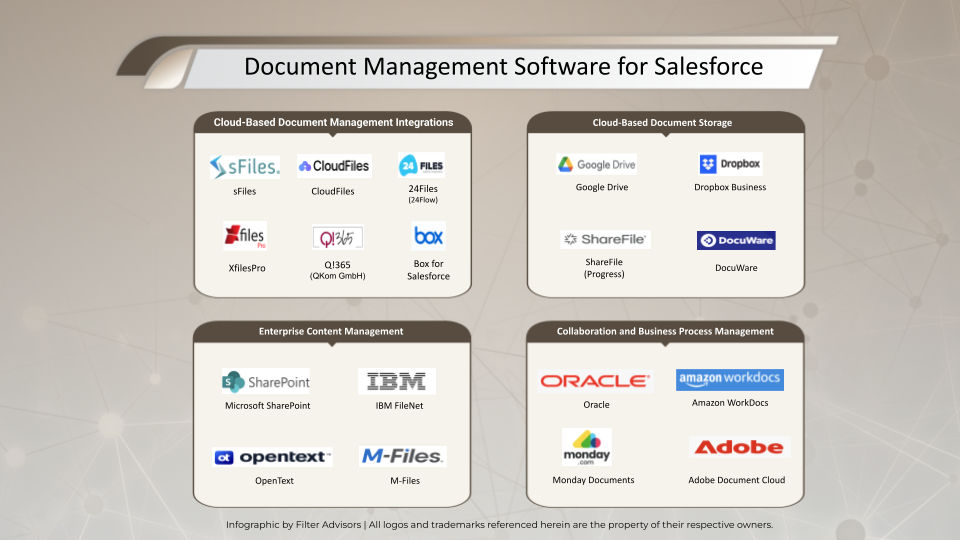
In a recent In a recent Buyer’s Guide to Document Management for Salesforce, FilterAdvisors outlined why document management has become one of the most misunderstood and poorly architected parts of many Salesforce implementations, and why the right approach matters more than ever.
The Problem: Salesforce Wasn’t Built to Be a Document Management System
Salesforce provides basic file storage, but it was never designed to function as a full document management platform, especially for organizations with growing document volumes, compliance needs, or cross-team collaboration.
As FilterAdvisors notes in their evaluation:
“Salesforce file storage is sufficient for basic use cases, but it lacks the structure, governance, and scalability required for enterprise-grade document management.”
As a result, teams commonly run into the same frustrations:
- Rising Salesforce storage costs
- Limited folder structures and metadata
- Inconsistent permissions and access control
- Poor collaboration experiences for large teams
- Manual processes to keep documents organized and compliant
Many organizations attempt to solve this by introducing SharePoint, which is already a standard system of record for documents across Microsoft 365 environments, but without a seamless way to connect it to Salesforce.
sFiles: Built to Solve the Document Management Gap
In 2018, we identified a growing architectural gap in how Salesforce teams were managing documents at scale, and set out to solve it properly. sFiles was built from the ground up to address the root causes behind broken document strategies, delivering a premium, enterprise-grade solution focused on usability, security, and long-term scalability without introducing architectural risk.
Native Salesforce Experience
Access and manage SharePoint documents directly from Salesforce records. sFiles embeds document access where users already work, eliminating context switching and reducing training and adoption friction.
Automated Structure & Organization
Folder hierarchies and document libraries are created automatically based on Salesforce data. This ensures consistency, reduces manual setup, and keeps document organization aligned as your Salesforce org evolves.
Security First by Design
sFiles uses a serverless architecture that never stores documents or credentials outside of Salesforce and SharePoint. Files remain securely in SharePoint at all times, minimizing attack surface and reducing risk.
Governance Built In
Permissions, access controls, and retention policies follow enterprise standards. sFiles respects both Salesforce access models and SharePoint governance, ensuring compliance without manual oversight.
Scales Without Complexity
Built to grow alongside your Salesforce environment. sFiles supports increasing document volume, additional objects, and expanding teams without the pain so often associated with enterprise software, with static org-wide pricing, an intuitive app admin interface, and best-in-class support.
What FilterAdvisors Had to Say About sFiles
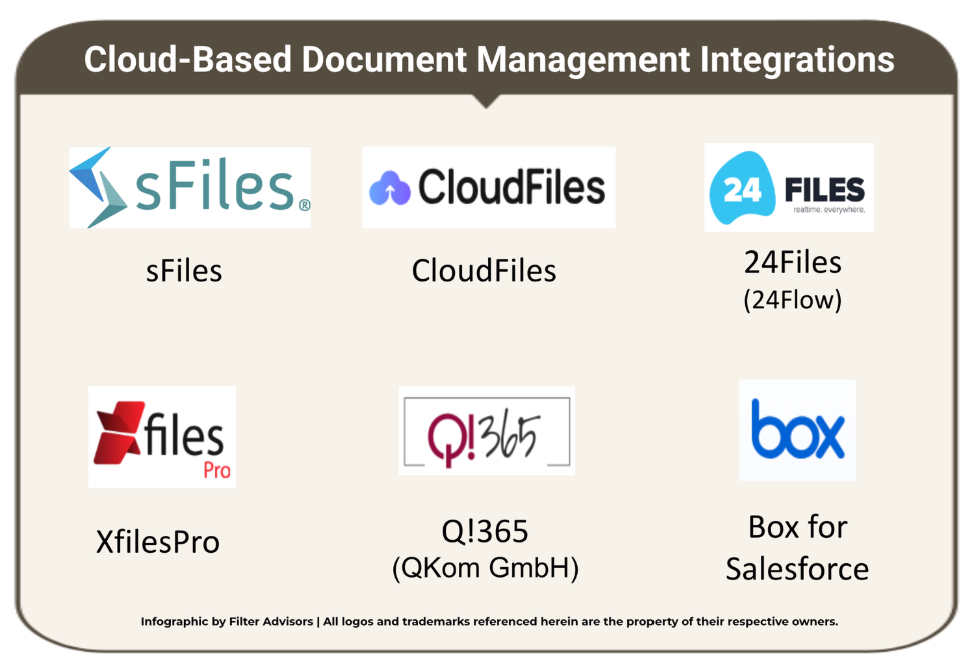
In its evaluation of document management solutions for Salesforce, FilterAdvisors places strong emphasis on architecture, security, and long-term maintainability, not just basic connectivity.
That’s where sFiles clearly differentiates.
“sFiles delivers comprehensive, native Salesforce-to-SharePoint functionality, including full in-app file operations, allowing users to upload, preview, download, edit, and manage files directly from Salesforce.”
This Salesforce-native approach eliminates context switching for users while ensuring documents remain governed externally in SharePoint.
From an architectural and security standpoint, FilterAdvisors highlights sFiles’ serverless model as a key advantage over competing solutions:
“sFiles operates in a serverless manner using direct API calls between Salesforce and Microsoft 365, without proxying file content through vendor servers, lowering the trust surface and simplifying audits.”
Automation is another area where sFiles stands apart:
“sFiles automatically and natively creates record-based folders and subfolders without the need for Flows or Apex, making out-of-the-box folder provisioning a major differentiator.”
Compared to alternatives that rely on middleware or custom automation, sFiles offers a cleaner, lower-maintenance path forward:
“sFiles stands out as a Salesforce-native, serverless integration for SharePoint and OneDrive, as compared to many competitors, which introduce third-party servers or service layers that add complexity and potential compliance risk.”
And ultimately, FilterAdvisors reinforces why sFiles belongs in serious Salesforce evaluations:
“Because it is Salesforce-native, serverless, and mirrors permissions directly, sFiles is a strong shortlist option for organizations committed to SharePoint and OneDrive.”
Taken together, FilterAdvisors’ analysis positions sFiles not just as a capable integration, but as an enterprise-ready solution designed for scale, security, and long-term success.
Why sFiles Belongs on Every Company’s Shortlist
Document management decisions made early in a Salesforce journey have long-term consequences. Organizations that treat document management as a foundational design decision, rather than a bolt-on, are far better positioned to scale without technical debt.
sFiles belongs on every shortlist because it:
- Solves Salesforce document challenges without overloading the platform
- Aligns with existing SharePoint and Microsoft 365 investments
- Improves user adoption by keeping teams inside Salesforce
- Supports enterprise security, compliance, and governance
- Introduces no new servers or security audit risks
- Scales cleanly as document volume, user count, and complexity grow
For Salesforce teams evaluating document management solutions, the question is no longer whether external document management is needed. It is how to do it correctly.
sFiles was built for that exact moment.
Learn More
Learn more about how sFiles fits into your Salesforce document strategy.